Webhooks
Webhooks tell WordPress when Square events happen — even if the customer closes the browser before returning to your site.
Why webhooks matter
Payments
Without a saved Square payment ID, you cannot refund from WooCommerce. Payment IDs are usually saved when:
- The buyer returns to your site after payment, or
- Square sends a payment.updated (or payment completed) webhook
Inventory (Square → WooCommerce)
When Inventory sync (Square → WooCommerce) is enabled on Connect, inventory.count.updated webhooks update WooCommerce stock for products with matching SKUs. See Stock sync.
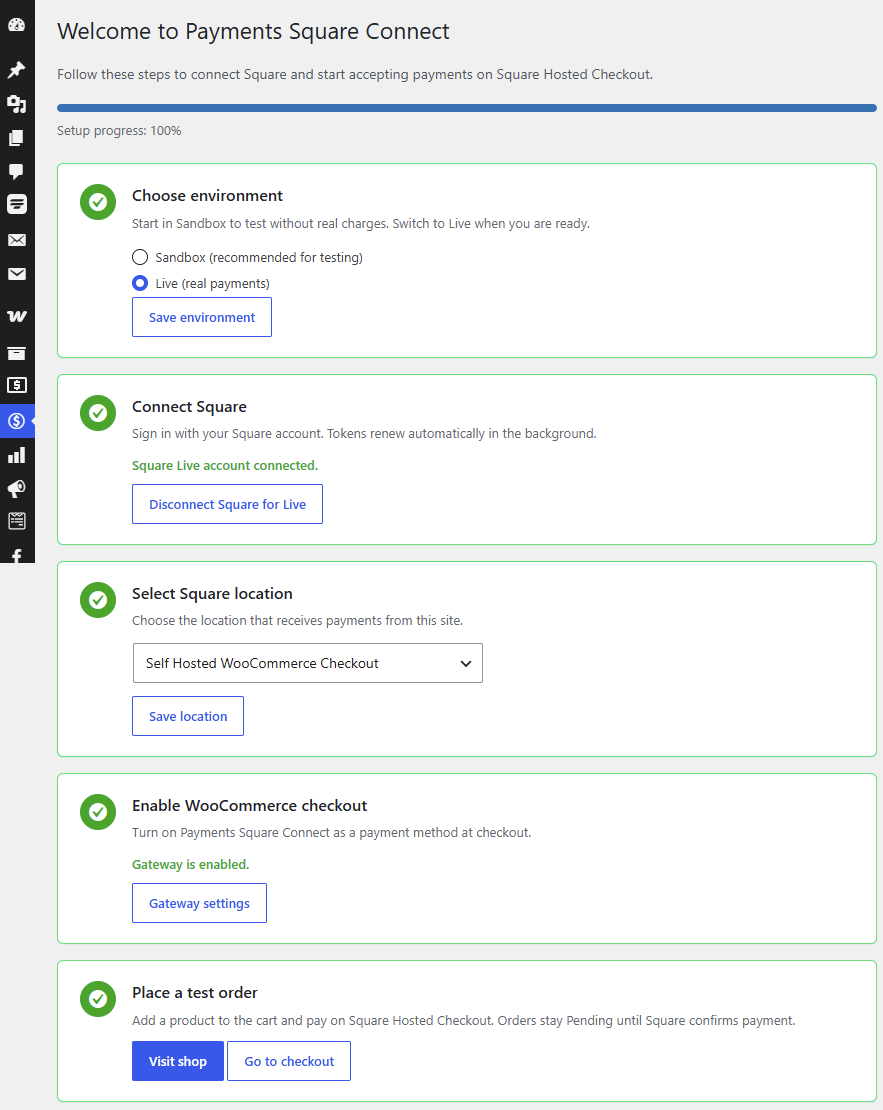
Setup
- Go to Payments Square Connect → Connect.
- Copy the Webhook URL shown on the screen.
- Open the Square Developer Dashboard → your application → Webhooks.
- Add the webhook URL and subscribe to:
- Payment events (e.g.
payment.updated) — refunds and order completion inventory.count.updated— Square → WooCommerce stock sync- Save in Square.
- Reconnect Square on Connect if you need new scopes (
INVENTORY_READfor inventory webhooks).
Sandbox vs Live
Configure webhooks for both environments if you test in Sandbox and accept Live payments.
Troubleshooting
| Symptom | Fix |
|---|---|
| Order stuck Pending after payment | Check webhook URL and payment event subscriptions |
| Missing payment ID on order | Enable webhooks; wait a few minutes and check order notes |
| Refund fails | Confirm payment ID exists on the order meta |
| WooCommerce stock not updating from Square | Enable inventory sync on Connect; subscribe to inventory.count.updated; reconnect for INVENTORY_READ |
Enable Debug Log on the Connect screen and check WooCommerce → Status → Logs (source shc4wc) for webhook errors.
Related
- Stock sync — bidirectional SKU-based inventory
- Refunds — payment ID required for wp-admin refunds
- Getting started
- Support